



Automated invigilated exam
Automated software monitors and records the exam via the webcam. Any suspicious behaviour is flagged by the software and then reviewed by a human to determine if it is misconduct.
Schedule intro






How does the AI software work?
The automated invigilation software, sometimes referred to as smart proctoring, has access to your computer's webcam, microphone and screen while the exam is being conducted. The system interprets your behavior and identifies if you have breached academic integrity. These can later be reviewed by a human to check if misconduct took place.
You can learn more about the software and your privacy on the online exams page.
The invigilation software can identify and flag certain behavior as suspect during the course of the exam. This ensures a fair testing environment for all students. Keep the following things in mind to ensure a smooth invigilated exam.
What automated invigilation does not do
Privacy and transparency in smart proctoring
We believe it's important to be transparent about what our automated invigilation solution can and can't do, as people may have privacy or other concerns about being recorded and monitored. Our smart proctoring solution does not:
- Use facial recognition or biometric identification
- Use AI to make decisions about student behavior
- Share data with third parties
- Store data longer than necessary
How to take your invigilated exam?
Camera position
Keeping the camera properly set up is the most important aspect to ensure you are not flagged by the invigilation software. Follow this guide to learn how to securely log in and start your invigilated exam.
Set up your camera and chair properly before you begin the invigilated exam. To avoid having your recording flagged:
- Have your ID ready for verification before the exam begins so you don't have to look for it when it is required before the exam.
- Avoid moving around during the exam so that your face is visible throughout the entire duration of the exam.
- If your camera is built-in to your laptop, ensure you do not move the laptop screen during the course of the exam.
Prepare your computer
Take the following steps to prepare your system for the invigilated exam.
- Remove any video or picture on your computer or anything that would attract your gaze.
- Do not have any screenshots or pictures during the exam.
- Use only one monitor during the exam. Disconnect any secondary monitors that may be connected.
- Don't open any other tabs or applications that are not permitted.
- Close all other programs before you start your invigilated exam.
Prepare your environment
Take your exam in a secure, private, quiet, well-lit environment. Keep the following in mind.
- Let all people in your surrounding know that you are taking an invigilated exam and should not be disturbed during the duration of the examination.
- Keep the door locked to avoid any uninformed visitors from coming in.
- Remove all notes from your desk and surrounding areas and ensure they are not accessible during the exam.
- Turn off your mobile phone and make sure it is not accessible during the exam.
- Sit in a comfortable chair before the exam as you are not allowed to move around or leave your chair during the exam.
- Ensure that you do not need to go to the bathroom during the exam.
Dress for your exam
Ensure that you are properly dressed for the exam. Avoid any piece of clothing that hides your face.
- Take off your hat or hood while taking the exam to ensure your face is clearly visible.
- Do not wear any smart watches or similar devices.
Read more about preparing for your invigilated exam here
What our customers say
As the University continues to pursue a remote assessment strategy for all courses, confidence in the systems we use to support exam integrity is vital.

Maggie Gibson
Birmingham City University
Digiexam receives a lot of attention in the south of Germany since a lot of people share the belief that it will be the only product that will meet the regulatory and data privacy requirements for future online testing.

Dr. Martin Franzen
Aalen University
It has come to the stage where we don’t give Digiexam much thought beyond the fact that this is the tool that we use for digital exams.

Eric Oest
Toronto Prep School
See Digiexam in action
Learn how our platform helps institutions ensure exam integrity with automated invigilation, secure lockdown technology, and seamless proctoring.
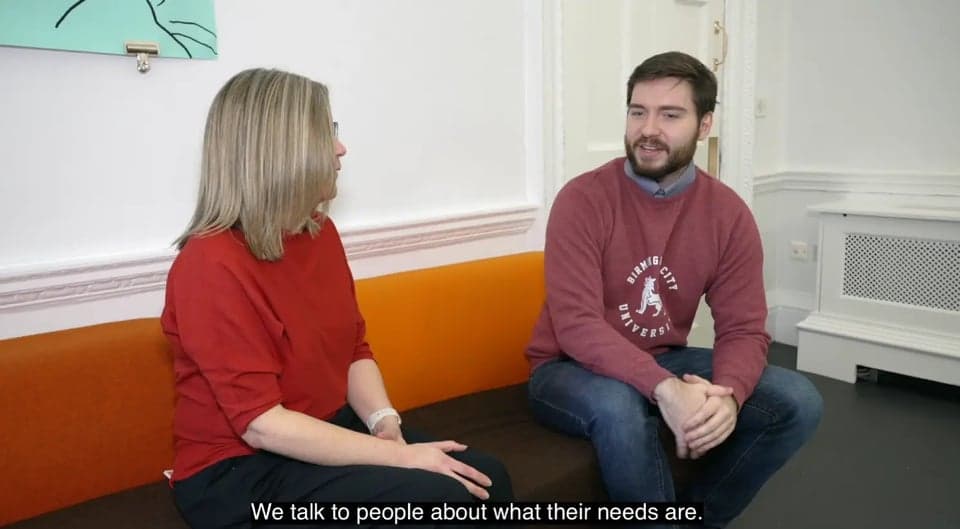
Award-winning Birmingham City University on digital exams and Digiexam
Birmingham City University uses Digiexam to support remote assessment while maintaining confidence in exam integrity across high-stakes courses.
Read their storyGreat knowledge deserves great exams
Why choose Digiexam?
Have an intro with one of our experts to learn more about how we can work together.